
Gauges

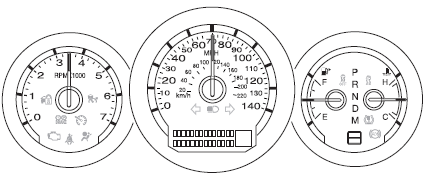
Speedometer:
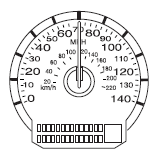
Indicates the current vehicle speed.
Engine coolant temperature gauge:
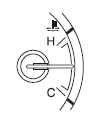
Indicates engine coolant temperature. At normal operating temperature, the needle will be in the normal range (between “H” and “C”). If the needle moves close to the “H” range, the engine is overheating. Stop the vehicle as soon as safely possible, switch off the engine and let the engine cool.
WARNING: Never remove the coolant reservoir cap while the engine is running or hot.
Fuel gauge:
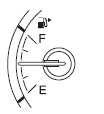
Indicates approximately how much fuel is left in the fuel tank (when the ignition is on). The fuel gauge may vary slightly when the vehicle is in motion or on a grade.
The FUEL icon and arrow indicates which side of the vehicle the fuel filler door is located.
Refer to Filling the tank in the Maintenance and Specifications chapter for more information.
Tachometer:
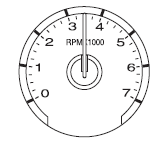
Indicates the engine speed in revolutions per minute.
Driving with your tachometer pointer continuously at the top of the scale may damage the engine.
Odometer:
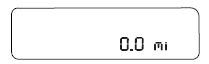
Registers the total miles (kilometers) of the vehicle. Refer to Message center in the Instrument cluster chapter on how to switch the display from Metric to English.
Trip odometer: See TRIP A/B under Message center in this chapter.
See also:
Important Ventilating Information
If you stop your vehicle and leave the engine idling for long periods of
time, we recommend that you do one of the following:
• Open the windows at least one inch (2.5 cm).
• Set your climate cont ...
Ambient lighting
Illuminates footwells, storage bins
and cupholders with a choice of
several colors. The ambient lighting
control is located on the instrument
panel, left of the steering wheel.
• To activat ...
Opening the trunk
Press twice within three seconds
to open the trunk.
• Ensure that the trunk is closed and latched before driving your
vehicle. Failure to properly latch the trunk may cause objects to fall
o ...